
Manual counts waste hours
Paper sheets and spreadsheets slow everything down.
Built for retail store owners
Built for retail stores to count inventory, receive stock, and track missing inventory from the store floor.
For retail stores, stockrooms, and multi-location shops.
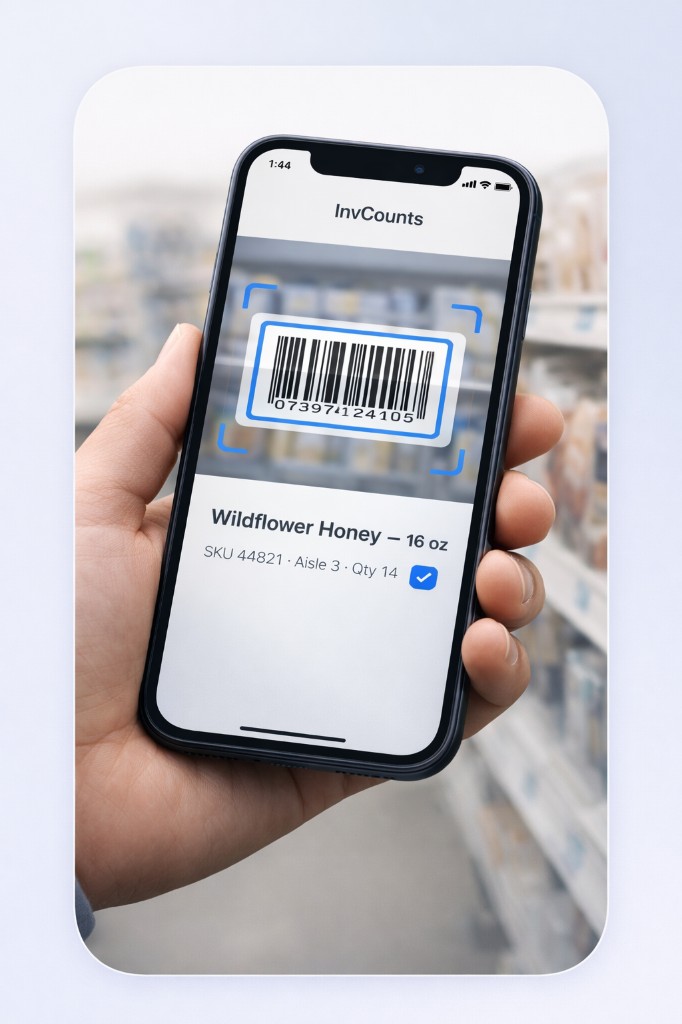
Paper sheets and spreadsheets slow everything down.
Inventory problems usually appear after customers ask for items.
Retail stores need speed, not warehouse complexity.
Simple steps designed for busy retail stores.
Use your phone camera to count inventory quickly.
Spot inventory gaps before customers do.
Log incoming inventory in just a few taps.
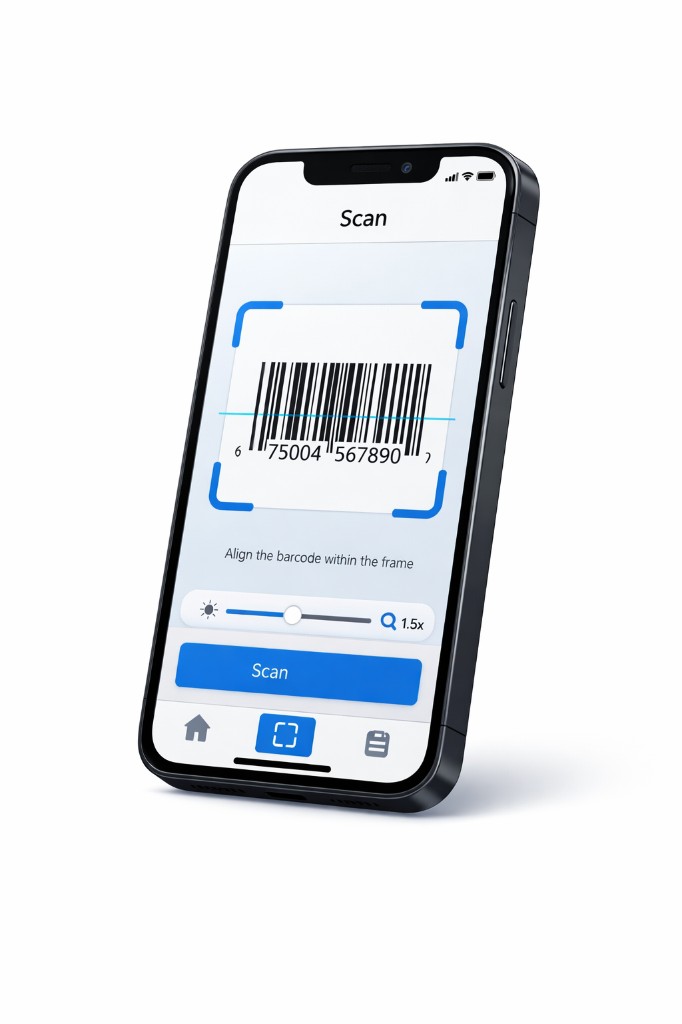
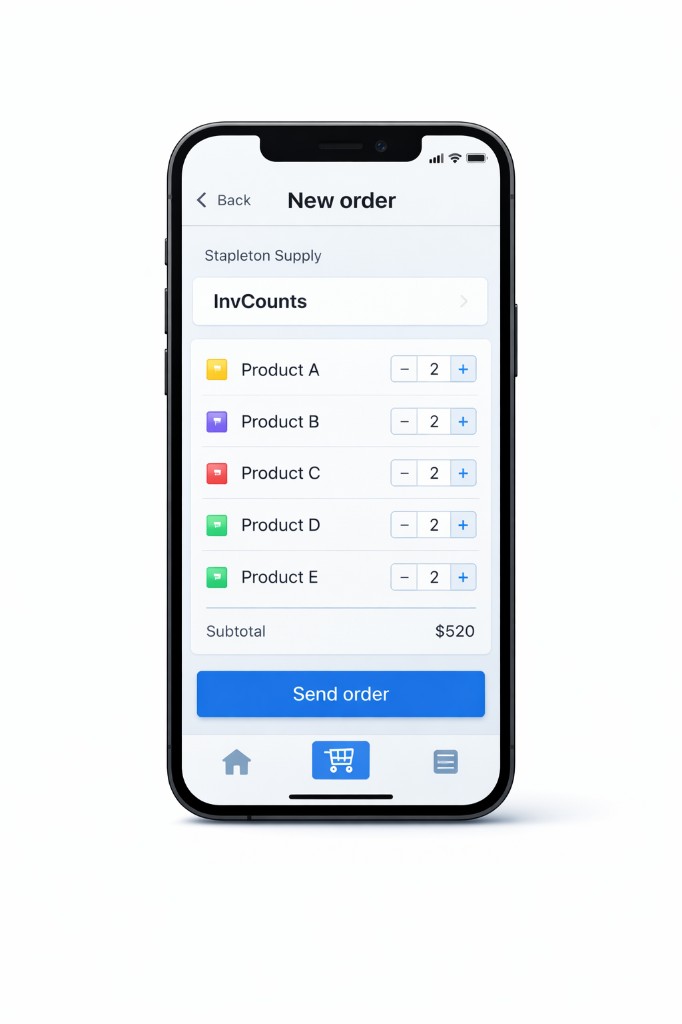
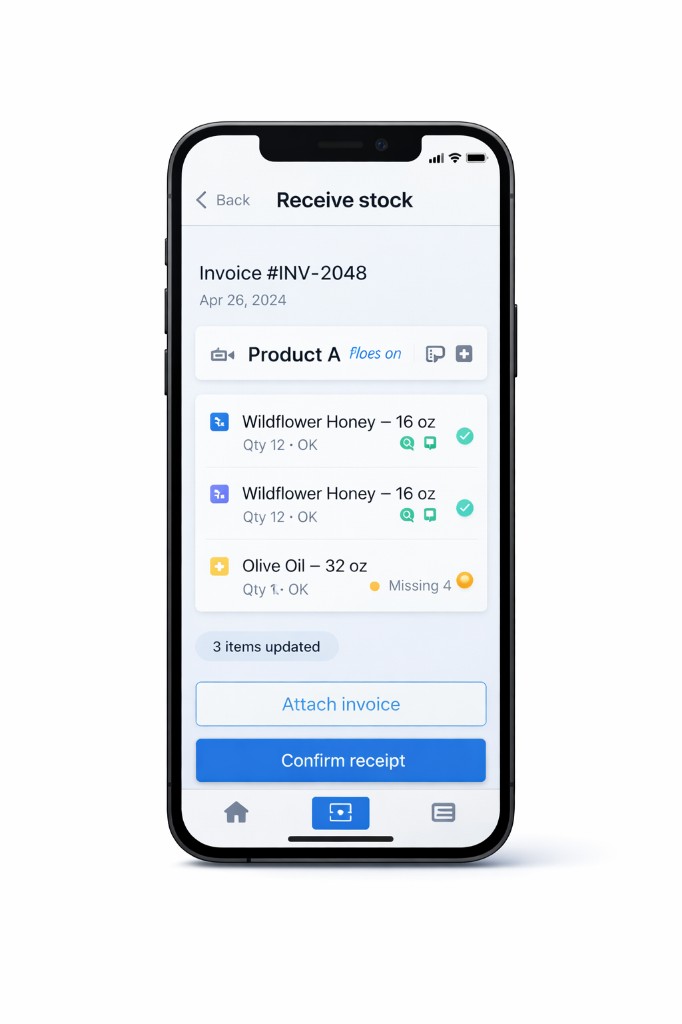
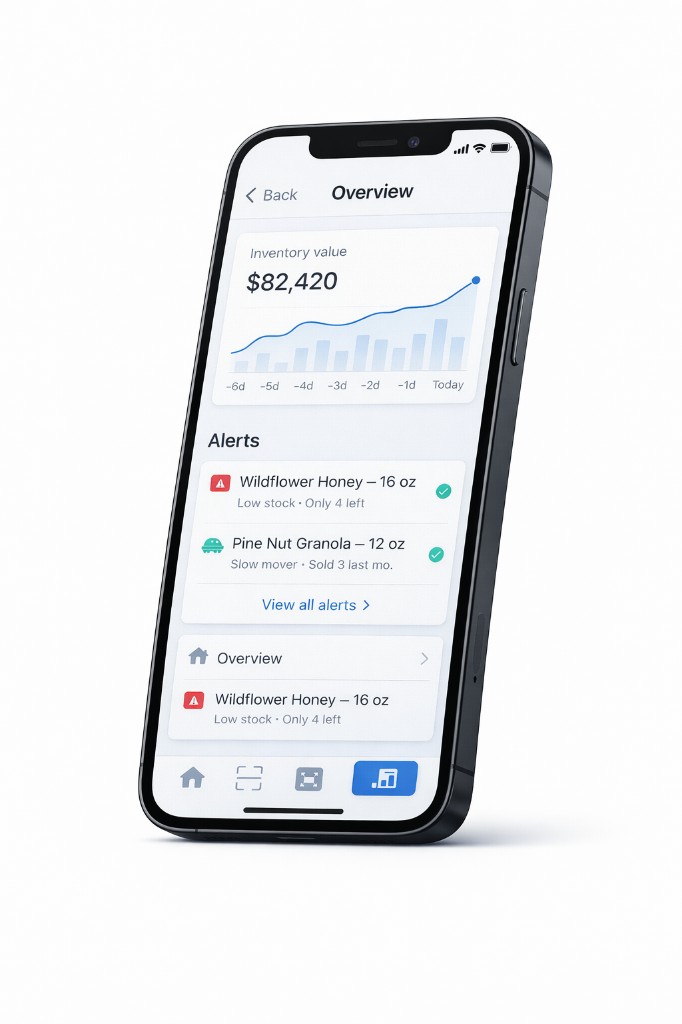
The system handles the routine parts so you can focus on the store.
Built for everyday retail operations
We finally started tracking inventory because this felt easy enough to actually use. No complicated setup — we were scanning stock on day one.
The phone workflow made all the difference. I walk the store, scan what's low, and an order is sent before I get back to the register.
Ordering and stock checks take so much less time now. My staff picked it up immediately — no training, no questions.